Gaming Gear · Buying guide
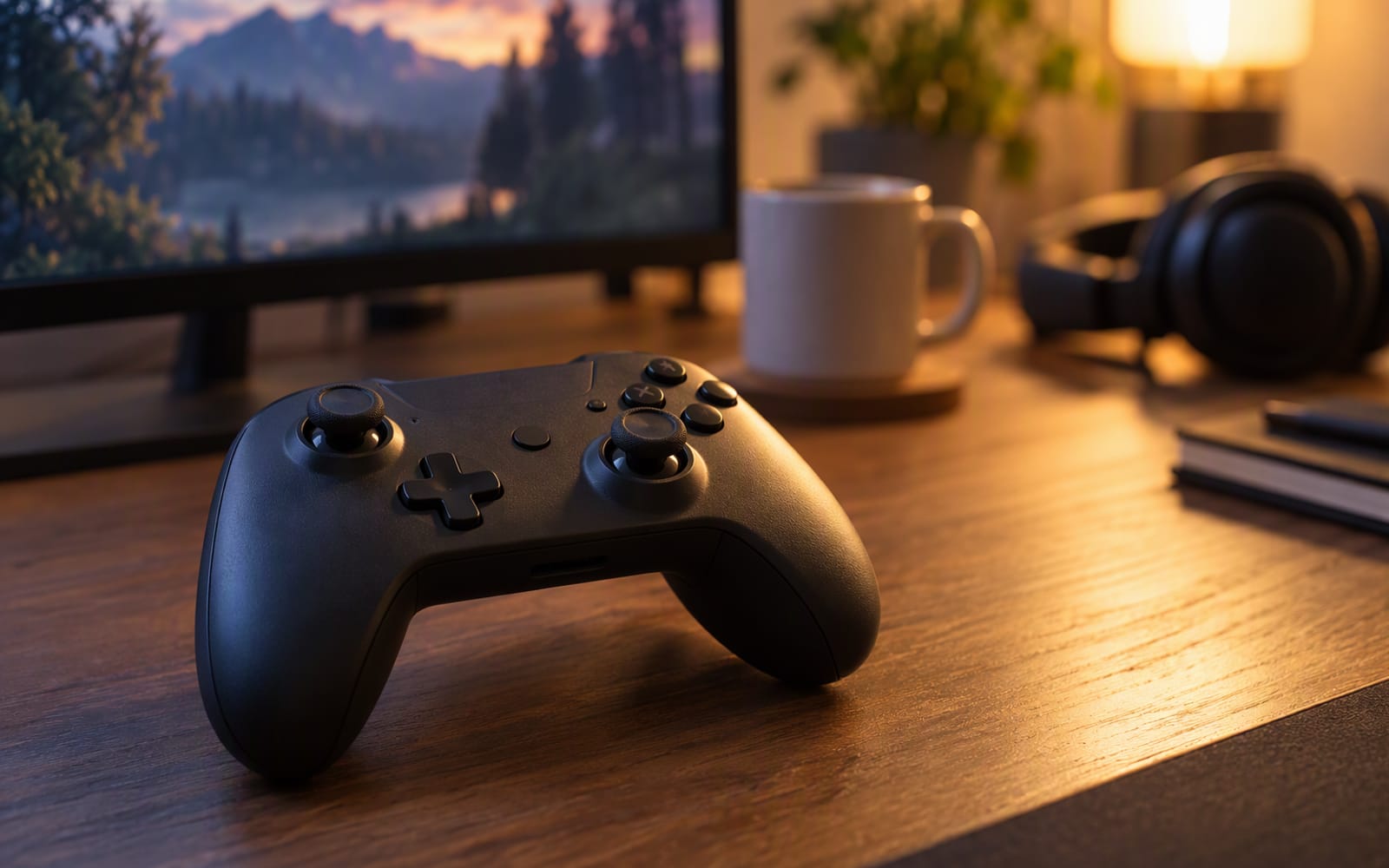
Consider a flat with one gaming PC that lives under the television in the living room. Two people use it: one plays on the sofa with a controller, the other plays at a desk with a mouse and keyboard, and the controller has to survive being handed back and forth, dropped on a cushion, and left with flat batteries at exactly the wrong moment.
That last detail is why this category is more about durability and logistics than performance. A controller is the cheapest part of a gaming setup and the part most likely to fail first, so choosing one is mostly a question of which failure you are willing to accept.
Native support is worth more than any feature
Windows treats an Xbox-format controller as a system device. Plug one in and it works — no drivers, no configuration, and every game that supports a controller shows the correct button prompts because it assumes that layout.
Everything else depends on how well it emulates that format. Most third-party controllers handle it correctly, but the failure modes are real and annoying: prompts showing the wrong button, a game that reads the pad as a generic device with no analogue triggers, or a title that ignores it entirely.
There is a second layer. Some controllers rely on companion software for remapping and for features like back buttons, and that software lives on your PC — so if you also use the pad with a console, the configuration does not travel with the hardware.
The practical advice: if you want the least friction, buy the controller Windows already understands. If you want hall-effect sticks or back buttons, check that they work without software before you rely on them.
Stick drift is the failure that ends a controller
Most controllers do not die because they were dropped. They die because one analogue stick starts reporting movement nobody asked for, so your character walks slowly to the left while you are reading a menu. This is stick drift, and it is the reason a two-year-old controller gets replaced.
The mechanism is mechanical. A conventional stick uses a carbon track and a metal wiper that slides across it. Every movement wears the track slightly, and eventually the resistance readings no longer return to centre.
Hall-effect sticks replace that with a magnetic field. A magnet moves with the stick and a sensor reads its position with no contact between moving parts, so there is nothing to scrape away. It removes the failure mode that kills most controllers.
That matters most for racing games, fighting games, and anything where you hold a direction for a long time. If you go through controllers quickly, hall-effect sticks are the single most useful feature you can buy.
Back buttons: useful, but only if you will use them
Back buttons sit under the grip where your middle fingers rest, letting you keep both thumbs on the sticks while pressing something that would otherwise need a reach for the face buttons or the D-pad.
Whether that helps depends on your games. Racing games benefit immediately, because gear changes and camera look move off the face buttons. Controller shooters benefit from jump, crouch and reload moving to the back. Slow, menu-driven and turn-based games will never need them — two extra buttons you never press are two extra places to misclick.
The important detail is where the remapping happens. A controller that stores its own mapping applies it everywhere, including on a console. One that remaps through PC software only does so while that software is running.
Wired, 2.4 GHz or Bluetooth
Wired removes every radio question and the battery question with it, at the cost of a cable across the room.
A 2.4 GHz dongle behaves much like a wire, with its own receiver rather than a shared radio band, and is generally the most reliable wireless option.
Bluetooth is the most convenient because there is no dongle to lose, but it shares the band with everything else in the room and can occasionally drop in a crowded home.
For casual use all three are acceptable. If you play competitively, the ranking is wired, then 2.4 GHz, then Bluetooth.
The ongoing cost of AA cells
Here is where an ongoing expense hides behind a low purchase price.
A controller that runs on AA cells has no battery to degrade, which is a real advantage: a built-in battery loses capacity over years and eventually cannot hold a charge. The trade is that you keep buying cells for as long as you own it, and you will eventually be caught mid-session with a flat one.
The sensible middle ground is a set of rechargeable AA cells and a spare pair kept charged — the long-term economics of a built-in battery with the instant swap of replaceable cells. If you buy a controller with a built-in battery, understand that the battery is the part that will eventually decide its lifespan.
Rule of thumb. Buy the cheapest controller that has the features you will actually use, then buy a spare battery or a spare cable. Being able to keep playing is worth more than any specification on the box.
Our picks
| Model | Connection | Sticks | Back buttons | Power | Best for |
|---|---|---|---|---|---|
| Xbox Wireless Controller | Bluetooth and Xbox wireless | Conventional | No | AA cells or a separate rechargeable pack | The default PC pad with no setup |
| 8BitDo Ultimate 2C | Wireless, multi-platform | Hall-effect | Yes | Rechargeable over USB-C | Budget buyers worried about drift |
| GameSir T4 Kaleid | Wired | Hall-effect | Yes | Powered by the cable | Back buttons and hall-effect sticks without a premium |
Xbox Wireless Controller is the default recommendation, and it earns that through convenience rather than features. Windows treats it as native, so it works instantly and games show its button prompts because its layout is the one they assume. What you give up is durability and extras: no hall-effect sticks, no back buttons, and AA cells or a separately purchased rechargeable pack.
8BitDo Ultimate 2C is the sensible answer for anyone who has replaced a controller because of drift. Hall-effect sticks mean the failure mode that killed your last pad is not present here, and it adds programmable back buttons and USB-C charging. What you give up is polish: the software is less refined than the mainstream options, the shape is smaller than an Xbox pad, and the rumble is basic.
GameSir T4 Kaleid is the one to shortlist if you want hall-effect sticks and back buttons without paying for a flagship pad. It is wired, so there is no battery to think about, and it adds adjustable trigger travel. What you give up is freedom from the cable and a premium feel — the plastic build flexes — and the RGB lighting is either a small pleasure or an irritation.
What not to overpay for
- Pro-tier pads with swappable modules. The concept is good, the cost is high, and most buyers will never change a single module.
- Extra face buttons. Games rarely support them, and they sit where your thumb already is.
- High-end wireless latency claims. The differences are real but tiny, and a cable solves the whole question for far less.
When the honest answer is do not buy anything
If your current controller works and the sticks still return to centre, there is nothing here worth buying. Controllers do not become obsolete the way graphics cards do, and a working pad from several years ago plays exactly as well as a new one.
There is one case for buying anyway, and it is worth stating plainly: if you have already replaced two controllers because of stick drift, buying one with hall-effect sticks is cheaper over the next few years than continuing to replace conventional ones. That is a durability argument rather than an upgrade argument, and it is the only one that reliably holds up.
If your controller has developed drift, try cleaning around the stick base first. It occasionally helps and costs nothing. If it does not, the mechanism is worn and no amount of cleaning will bring it back.
Our picks
These are the models we would shortlist for the scenarios in this article. Each entry shows the published specification highlights, what the product is genuinely good at, and what you give up.
Xbox Wireless Controller
Microsoft
The default PC controller because Windows treats it as native: no mapping software, no driver hunting, and every game assumes its button layout. Boring and correct.
What it does well
- Works out of the box on Windows
- Comfortable for long sessions
- Widely supported button prompts in games
What to accept
- Needs batteries or a separate rechargeable pack
- No hall-effect sticks
- No back buttons
Best for: PC gaming · Game Pass · Couch setups
Published specs: Wireless controller with Bluetooth and Xbox wireless; Native Windows support; Textured grip and hybrid D-pad; USB-C charging.
Last checked: 2026-09-26
8BitDo Ultimate 2C
8BitDo
Hall-effect sticks mean the analogue sticks will not develop drift from wear, which is the failure mode that kills most controllers. That alone makes it worth considering over the first-party option.
What it does well
- Hall-effect sticks resist drift
- Back buttons at a budget price
- Works across several platforms
What to accept
- Software is less polished
- Shape is smaller than an Xbox pad
- Rumble is basic
Best for: Budget PC gaming · Switch and PC · Stick-drift worriers
Published specs: Wireless controller with hall-effect analogue sticks; Multi-platform support; Programmable back buttons; USB-C charging.
Last checked: 2026-09-26
GameSir T4 Kaleid
GameSir
Hall-effect sticks and two back buttons for less than a first-party controller. The RGB is unnecessary, and the build is plastic, but the parts that affect how you play are all present.
What it does well
- Hall-effect sticks resist drift
- Back buttons at a low price
- Adjustable triggers
What to accept
- Wired only
- Plastic build flexes
- RGB lighting is not to everyone’s taste
Best for: Budget PC gaming · Racing and shooters · Macro-free remapping
Published specs: Wired controller with hall-effect sticks; Two programmable back buttons; Adjustable trigger travel; Works with PC and some consoles.
Last checked: 2026-09-26
Frequently asked questions
Do I need a controller with native Windows support?
It is the single biggest convenience factor in this category. A controller that Windows recognises as an Xbox pad needs no configuration at all — every game shows the right button prompts and everything works the moment you plug it in. A controller without that support relies on mapping software to pretend to be an Xbox pad, which usually works but occasionally produces wrong prompts, dead inputs or a game that ignores it entirely.
What is stick drift, and why is it the thing to worry about?
Stick drift is when an analogue stick reports movement even though nobody is touching it, so your character walks slowly in one direction on its own. It comes from wear in the mechanism that senses the stick's position — typically a carbon track that a metal wiper scrapes across thousands of times. It is the failure that most often ends a controller's life, and it usually appears gradually rather than all at once.
Do hall-effect sticks actually last longer?
The mechanism is fundamentally different: a hall-effect stick senses the position of a magnet with no physical contact between moving parts, so the wear that causes drift does not exist in the same form. That makes it a genuine improvement rather than a marketing term. It does not make a controller indestructible — buttons, triggers and shells still wear — but it removes the most common failure mode.
Are wireless controllers slower than wired ones?
For anything you would describe as casual play, no — the difference is far below the threshold where a human notices. Where it can matter is in fast, precisely timed games, and even there the wireless connection on a modern controller is not the limiting factor for most players. If you are chasing every advantage, a cable removes the question entirely, and a 2.4 GHz dongle is a better middle ground than Bluetooth.
Related
Gaming
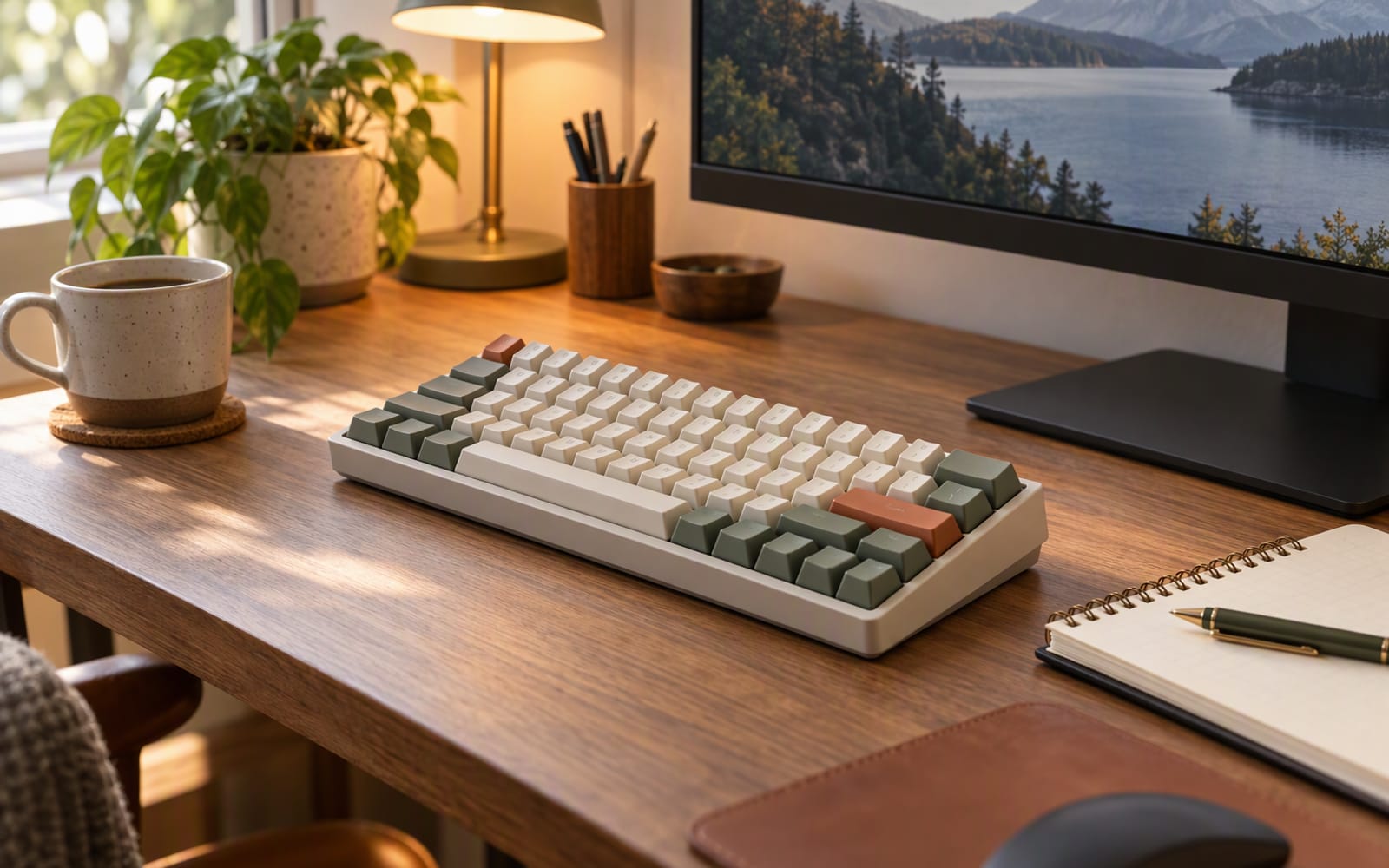
Best Budget Mechanical Keyboards for Work and Play
One desk has to handle spreadsheets by day and shooters by night. Here is how to choose a budget mechanical keyboard that does both jobs well.
Gaming
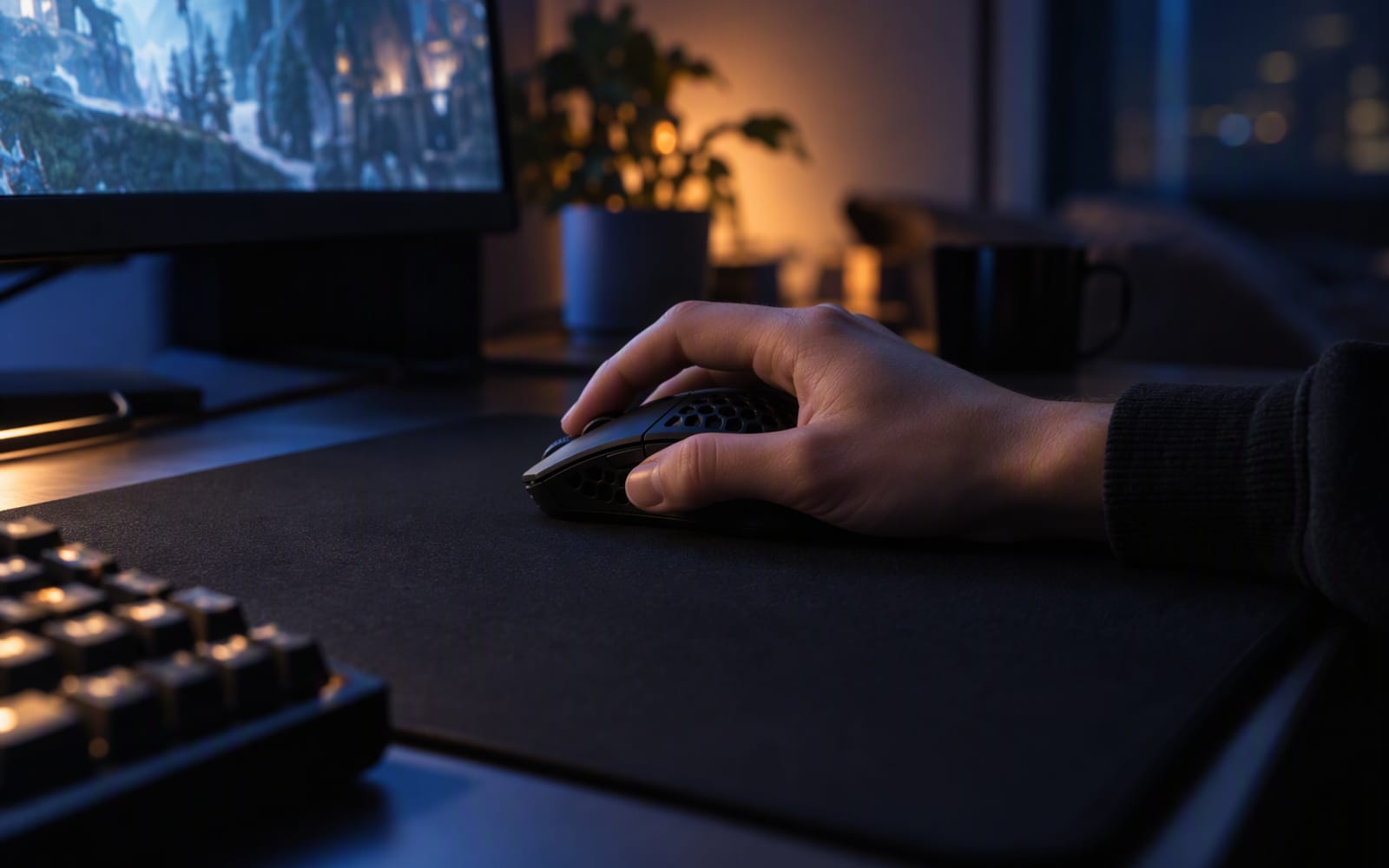
Gaming Mice for Small Hands: What to Look For
Hand size and grip style decide whether a gaming mouse feels right. Sensor specs rarely do. Here is how to choose a small mouse without overpaying.
Gaming
Is a 144Hz Monitor Worth It for Casual Gaming?
A high refresh rate only helps if your graphics card can feed it. Here is the honest test for whether a 144Hz monitor is worth buying for casual play.