Smart Home · Buying guide
Most people who want a smarter home start by buying the wrong thing: a hub, a set of colour bulbs for a room they have not thought about, a doorbell that needs a landlord’s permission. Then it sits in a drawer.
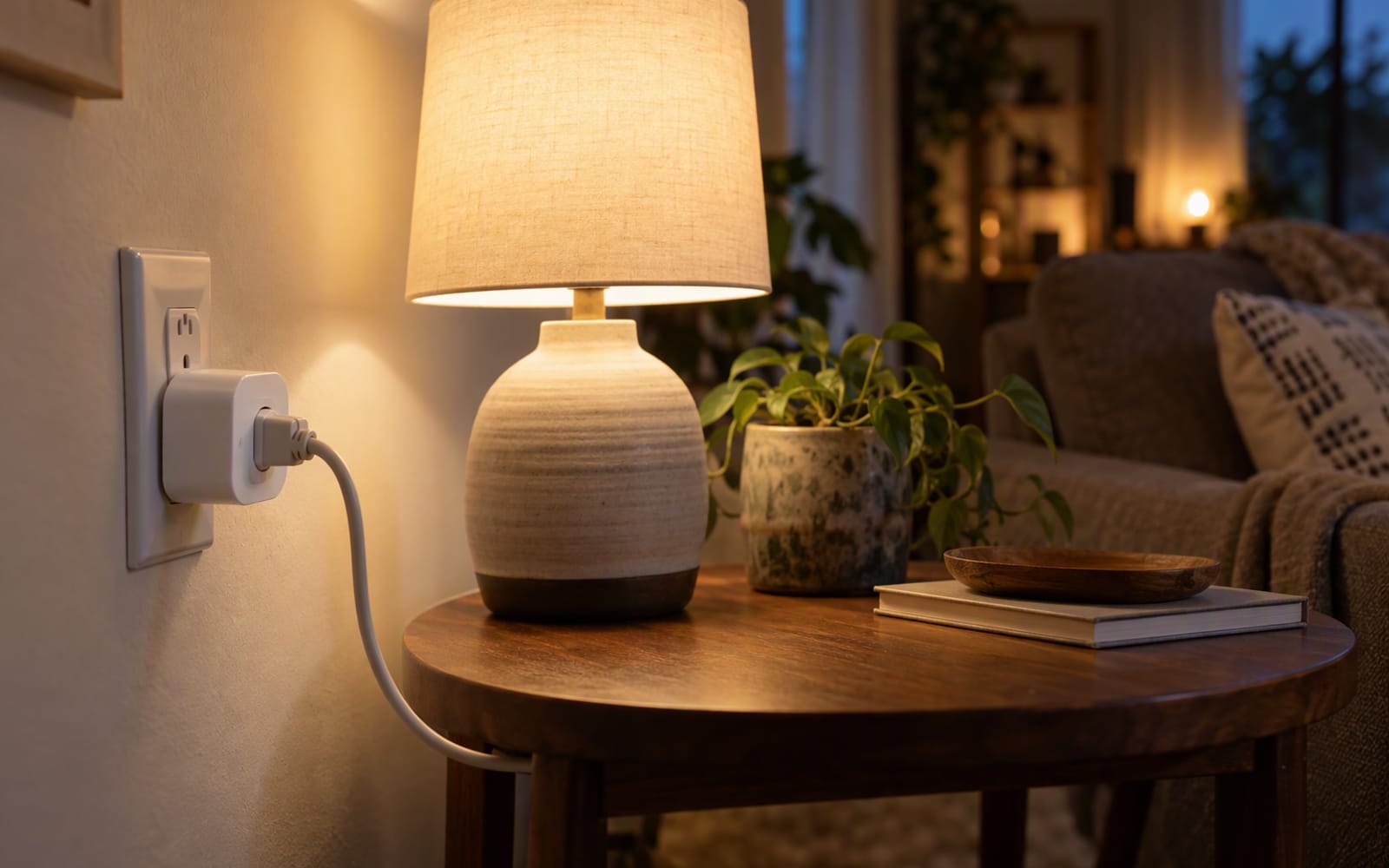
Here is a better starting point. Picture a rented flat where the lease forbids drilling, where the hallway lamp by the front door is on all day because nobody remembers to turn it off, and where there is a perfectly ordinary plug socket sitting next to it doing nothing. That socket is the whole opportunity. A smart plug costs the least of any device in this category, needs no installation, and comes with you when you move.
Why a plug is the right first device
A smart plug is the only piece of home automation that is genuinely reversible. You put it in a socket, you plug in something you already own, and you control that thing from a phone. Nothing is screwed to a wall. Nothing is rewired. When you leave, the flat is exactly as you found it.
That reversibility matters more than it sounds. The devices people regret are usually the ones that demanded a permanent change: a bulb inside a fixture that no longer responds to the wall switch, or a sensor glued to a surface that lifts paint when removed.
Rule of thumb. Buy the plug for one job you can name out loud before you order it. “The hallway lamp, so it is off by the time I leave for work” is a job. “To start my smart home” is not.
What a plug can and cannot do
The category gets oversold, so it is worth being precise about the boundary.
| The job | Does a smart plug solve it? |
|---|---|
| Switching a lamp, fan or small appliance on a schedule | Yes — this is the core function |
| Seeing what an appliance costs to run | Yes, on plugs that include energy monitoring |
| Turning something off remotely while you are out | Yes |
| Dimming or changing the colour of a light | No — that is a bulb, not a plug |
| Making a dumb appliance smart in any deeper sense | No — it only cuts and restores power |
| Anything involving fixed wiring or a wall switch | No — that is a qualified electrician’s job, not a plug |
The last row is the one people ignore. A plug controls the socket it sits in, not the wiring behind it, and it is not a way around a circuit you do not understand.
Energy monitoring is the feature that changes behaviour
Most smart home features are novelties you use enthusiastically for two weeks and then forget. Energy monitoring is the exception, because it tells you something you genuinely did not know.
The pattern is consistent. People assume the device they worry about is the expensive one, and discover that something they never think about — a heater left running, an old appliance — is the thing quietly adding to the bill. Once you can see that, you change how you use it, which is a behaviour change no voice command has produced.
If one feature can justify a single plug, make it this one. It turns a convenience gadget into information you can act on.
The 2.4 GHz problem, and why setup fails
Almost every plug in this category connects over 2.4 GHz Wi-Fi rather than 5 GHz. This is the single most common reason a new plug will not complete setup, and it is almost never explained at the point of sale.
Modern routers often broadcast both bands under one network name, and the plug cannot work out which one it is being offered. If setup stalls, the fix is usually to separate the two networks in the router settings, or to force the phone onto the 2.4 GHz band while the plug is pairing. It is a short fix that costs an evening if you do not know about it.
This is also the reason to think about your Wi-Fi before buying more than a couple of plugs. Every one of them is another device holding a connection, and a crowded network is a real constraint in a small flat.
Bulk: the detail that ruins a power strip
Smart plugs are physically bigger than the plug they replace, and that size has to go somewhere. A bulky model blocks the socket next to it, which is tolerable on a wall socket and infuriating on a power strip.
If your plan involves a power strip behind a television or a desk, buy compact models and accept that you may lose energy monitoring to get the size. If your plan is one plug in a free wall socket, bulk is irrelevant and you should prioritise features instead.
Ecosystem lock-in is the real long-term decision
This is the choice you cannot easily undo, so make it deliberately.
- Alexa households get the simplest setup path. If you already have an Echo in the room, some plugs pair in minutes with no separate app.
- Google Home households are well served by the mainstream brands, and voice control works reliably for on, off and schedules.
- Apple HomeKit households need to check compatibility carefully before buying. Not every budget plug supports it, and the ones that do often cost more.
The honest advice is to buy for the assistant you actually use today, and to accept that switching later means replacing plugs rather than reconfiguring them.
Our picks
Three plugs for three different situations. Prices in this category move constantly, so check the current price with the merchant rather than relying on a figure you saw weeks ago.
TP-Link Tapo P110
The one to buy if you want the most useful first plug. Energy monitoring is the feature that earns its keep, and there is no hub or bridge to buy alongside it — it joins your Wi-Fi directly. The trade-off is size: this is a bulky plug that will block the neighbouring socket on a wall and make a power strip awkward. If your socket has room around it, that costs you nothing.
Kasa Smart Plug Mini EP25
The one to buy for crowded power strips. Two of these fit side by side where a single bulky plug would sit, which is the whole reason to choose it. What you give up is energy monitoring, because this model does not include it, so it suits someone who wants reliable scheduling and voice control rather than insight into running costs. It also needs a 2.4 GHz network, as almost all of these do.
Amazon Smart Plug
The one to buy if your home is already built around Alexa. Setup is a few taps with an Echo nearby and there is no second app to install, which is the shortest path from unboxing to a working schedule. The compromise is significant: it is effectively Alexa-only, so Google and HomeKit users should look elsewhere, and there is no energy monitoring. Buy it for convenience, not flexibility.
What not to overpay for
- Hub support you will never use. Paying more for a plug that integrates with a protocol you do not own is paying for a feature rather than a benefit.
- A brand name on a basic switch. Scheduling and timers are commodity features now. Reliability matters, marketing does not.
- Energy monitoring on every plug. Buy one monitoring plug for the appliance you are curious about. The rest only need to switch on and off.
When you should not buy anything
If your problem is that you keep leaving a light on, and you walk past the switch every day anyway, a plug is a solution to a habit rather than a problem. Similarly, if you only want voice control of a lamp and already own a smart speaker, check whether it can control that lamp without a plug.
And if what you actually want is dimming, colour, or a light that changes with the time of day, a plug is the wrong purchase entirely. That is a bulb, and buying a plug first just delays the decision you need to make.
Our picks
These are the models we would shortlist for the scenarios in this article. Each entry shows the published specification highlights, what the product is genuinely good at, and what you give up.
TP-Link Tapo P110
TP-Link
The single best-value entry point into home automation. Energy monitoring is the feature that earns its keep — seeing what a heater actually costs per week changes behaviour more than any voice command.
What it does well
- Very cheap way to start
- Energy monitoring is genuinely useful
- No hub or bridge needed
What to accept
- Bulky — blocks the neighbouring socket
- Wi-Fi only, no local protocol
- App account required
Best for: First smart home device · Energy monitoring · Lamps and fans
Published specs: Wi-Fi smart plug with energy monitoring; No hub required; Schedules, timers and away mode; Works with major voice assistants.
Last checked: 2026-09-24
Kasa Smart Plug Mini EP25
Kasa
Small enough that two fit side by side on a standard power strip, which the cheaper bulky plugs cannot manage. No energy monitoring, but the scheduling and reliability are solid.
What it does well
- Compact enough to stack
- Reliable scheduling
- Simple app
What to accept
- No energy monitoring
- Requires a 2.4 GHz Wi-Fi network
- No physical button override on some revisions
Best for: Crowded power strips · Renters · Simple scheduling
Published specs: Compact Wi-Fi smart plug; Two fit on a standard power strip; Schedules, timers and away mode; Works with major voice assistants.
Last checked: 2026-09-24
Amazon Smart Plug
Amazon
The shortest possible path to a working smart plug if you already have an Echo. Setup is a few taps, and there is no separate app to install — but it is useless outside Amazon’s ecosystem.
What it does well
- Setup takes minutes with an Echo nearby
- No separate app needed
- Reliable scheduling
What to accept
- Alexa only — no Google or HomeKit
- No energy monitoring
- Bulky body
Best for: Alexa setups · Simple voice control · Lamps and fans
Published specs: Wi-Fi smart plug with Alexa setup; No hub required; Schedules and timers; Voice control through Alexa devices.
Last checked: 2026-09-24
Frequently asked questions
Do I need a hub to use a smart plug?
For the three plugs in this guide, no. They connect directly to your home Wi-Fi network and are controlled through the manufacturer's app or a voice assistant. A hub only becomes relevant if you later add devices that use a different protocol, such as Zigbee bulbs, and want everything controlled in one place.
Why does my smart plug refuse to connect?
Almost always because it is being offered a 5 GHz network. Most plugs in this category only support 2.4 GHz Wi-Fi, and many routers broadcast both bands under a single network name that the plug cannot sort out. Separating the bands in the router settings, or moving the phone onto the 2.4 GHz band during pairing, usually completes the setup.
Is a smart plug worth it for a lamp I could just switch on?
Only if the automation gives you something a switch does not — a schedule, a routine that runs while you are away, or the ability to turn the lamp off without getting out of bed. For a single lamp you switch by hand every evening, a plug adds an app, an account and a Wi-Fi dependency for very little. Energy monitoring is the one feature that regularly justifies the purchase on its own.
Can I use a smart plug with a heater or an air conditioner?
Check the manufacturer's published rating against the appliance before you plug anything in, because not every plug is rated for higher-current loads and the differences are not obvious from the packaging. Anything involving fixed wiring, a permanently installed appliance or a circuit you are unsure about should be checked by a qualified electrician rather than guessed at.
Related
Smart Home
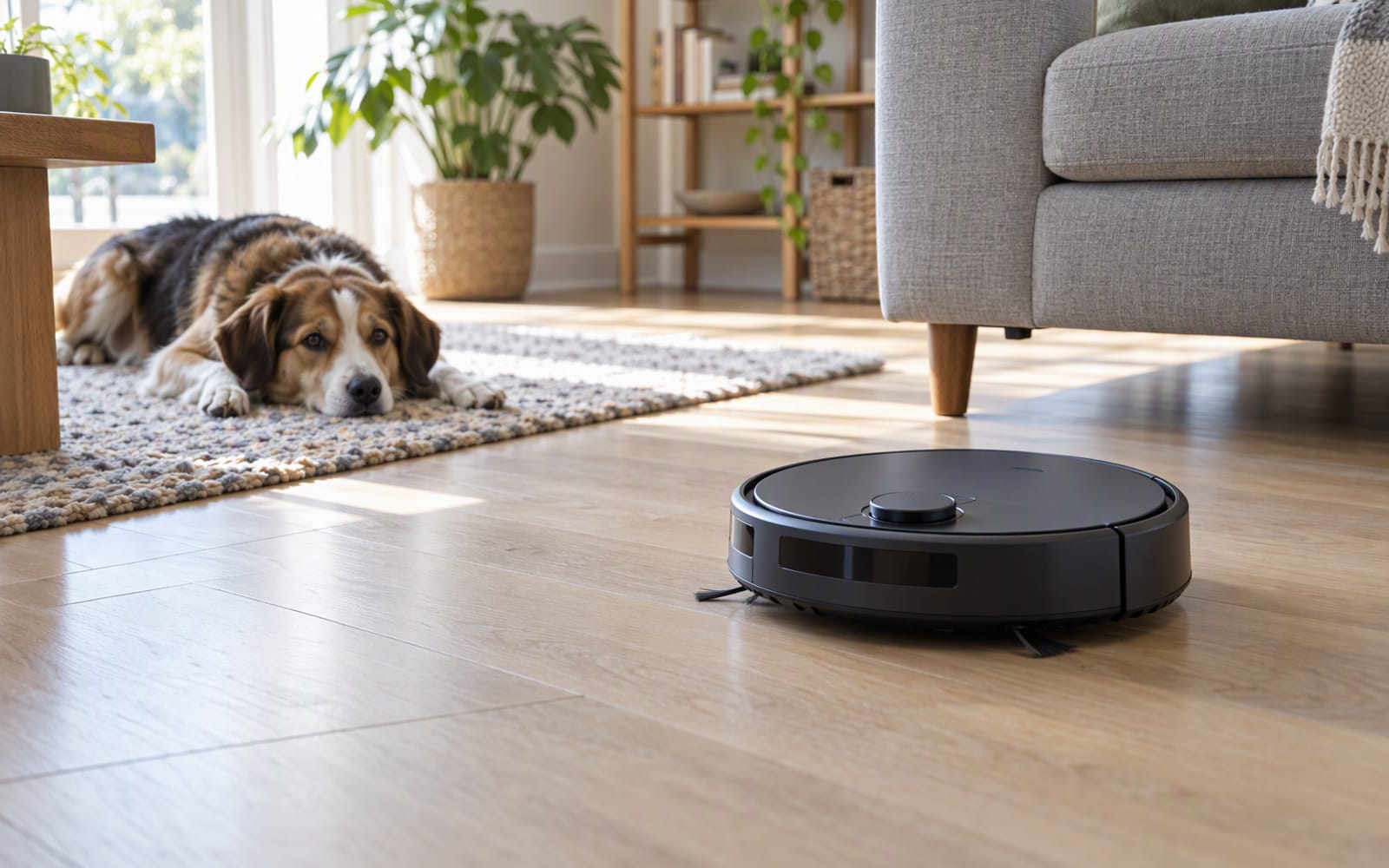
Best Robot Vacuums for Pet Owners
Pet hair is the hardest test a robot vacuum faces. Here is what to look for, what to ignore, and the three models we would shortlist for a home with animals.

Smart Home
Smart Doorbells for Renters (No Drilling Required)
Battery doorbells let renters add a video doorbell without drilling or an electrician. Here is how to choose one, and where the honest limits are.

Smart Home
Smart Lighting: Bulbs vs Strips vs Panels
Bulbs, strips and panels do three different jobs. Comparing them honestly, including what each one costs you in money, reliability and wall damage.